
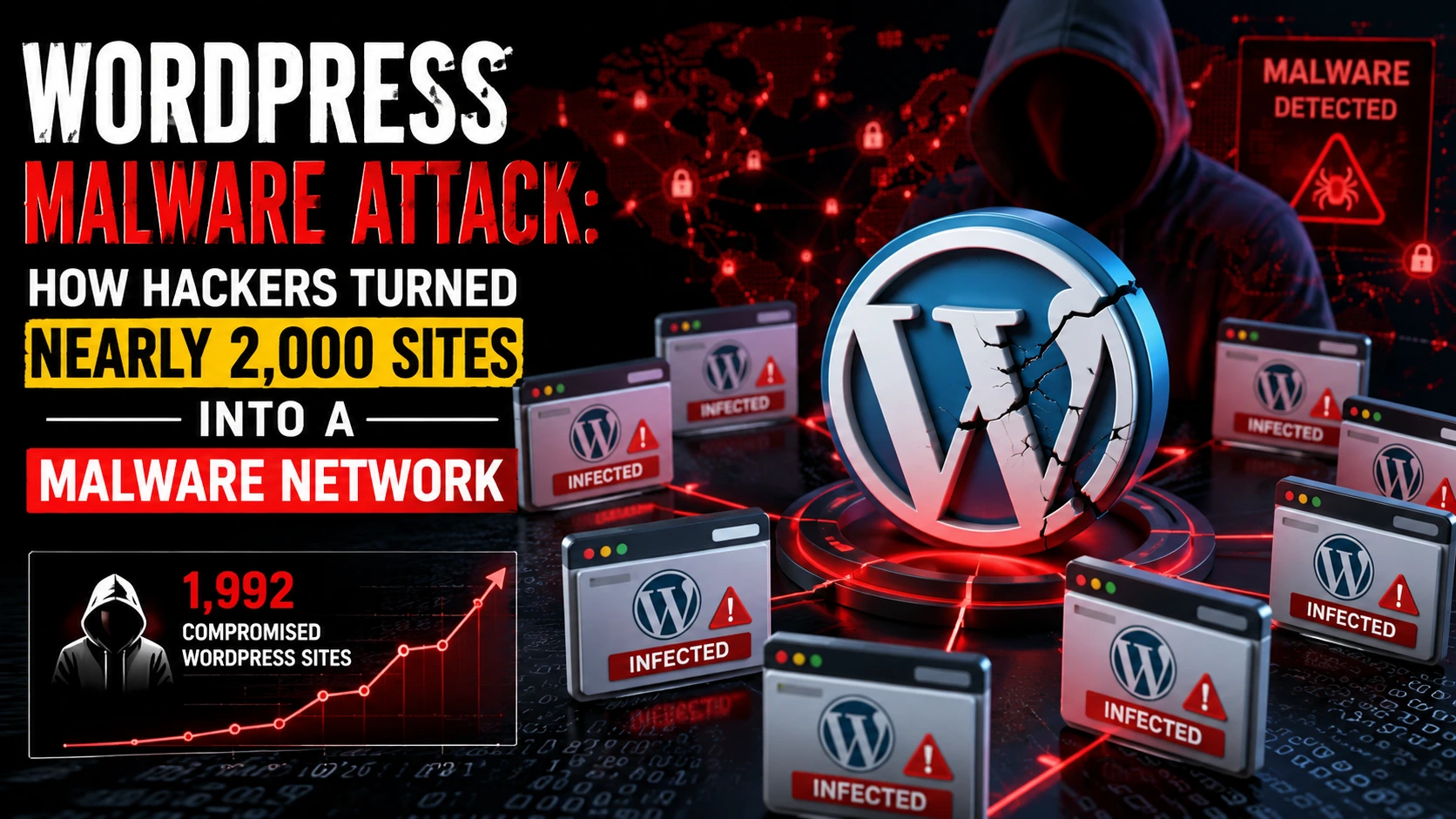
WordPress powers a massive chunk of the internet, from personal blogs to business sites and online stores. That popularity is exactly why it keeps showing up in security headlines. In a recent discovery by Check Point Research, nearly 2,000 WordPress websites were compromised in a cybercrime operation known as StopAndProtect—and the hacked sites weren’t just “damaged.”
They were repurposed.
Instead of simply defacing pages or crashing servers, the attackers turned these legitimate websites into a full malware infrastructure: hosting malicious files, communicating with infected computers, and even storing stolen information like logs and screenshots. In other words, the websites became part of the attacker’s toolkit.
This article breaks down what happened, why this kind of WordPress Malware Attack is so effective, and what practical steps WordPress site owners can take today to avoid becoming the next unwilling “malware hub.”
How This WordPress Malware Attack Was Discovered
Check Point Research first noticed signals tied to StopAndProtect while tracking a ransomware-related threat in May 2026. As they followed the trail, the campaign appeared much larger than a single ransomware incident.
The big finding: attackers had quietly compromised close to 2,000 WordPress sites and stitched them into a distributed system used for multiple malicious purposes.
A key point security professionals often emphasize is simple: attackers don’t always need to build infrastructure from scratch. It’s easier to hijack what already exists—especially when that “something” is a trusted website with real visitors and a history online.
Why Hackers Love Compromised WordPress Sites
When attackers take over a legitimate WordPress site, they inherit more than server space. They gain trust and reach.
“Borrowed trust” is powerful
A real site comes with:
- A reputable domain and normal browsing traffic
- A hosting environment that looks “clean” to many filters
- Existing SEO signals and domain age
- A location where malware can hide in plain sight
So instead of hosting malware on suspicious new domains that get blocked quickly, criminals can “blend in” by abusing normal websites.
A distributed network is harder to shut down
One central malicious server can be taken down with a single action. But a network spread across thousands of normal websites? That becomes a whack-a-mole problem.
This is why campaigns like StopAndProtect can run longer and cause wider damage—because the infrastructure is made of everyday sites that don’t look dangerous at first glance.
What the Hacked Sites Were Used For (3 Main Roles)
In this campaign, the infected WordPress sites weren’t random victims. They were actively used as components of the attack chain.
1) Hosting malware components
The compromised sites stored different “stages” of malware. That might include droppers, loaders, or payload files that get downloaded during an infection flow.
2) Acting as command-and-control (C2) servers
Some hacked sites were used as command-and-control nodes—basically a place where infected computers check in to:
- Receive instructions
- Download additional malicious modules
- Send back status updates
3) Storing stolen data
Check Point researchers found that the infrastructure contained stolen information such as:
- Activity logs
- Files from infected machines
- Lists of documents
- Screenshots of victims’ desktops and behavior
The scary part: visitors to an affected website might be exposed even if they weren’t the original target. A regular visit could trigger a redirect, a malicious script, or a social-engineering trap.
WordPress security hardening (official)
The Root Cause: Outdated WordPress Core, Plugins, and Themes
If there’s one repeated pattern in major WordPress security incidents, it’s this: outdated software.
Check Point noted many compromised websites were running old WordPress versions or stale plugins. In one case, a site was reportedly running a WordPress version from 2021 and had close to 40 known vulnerabilities.
Common vulnerability types attackers look for
Older WordPress installs and plugins may expose issues such as:
- SQL injection
- Open redirect flaws
- Authentication bypass
- Unauthorized file uploads
Any one of these can be enough to gain a foothold, upload malicious files, or take admin-level control.
Fake CAPTCHA Pages: The “ClickFix” Trick That Makes Users Infect Themselves
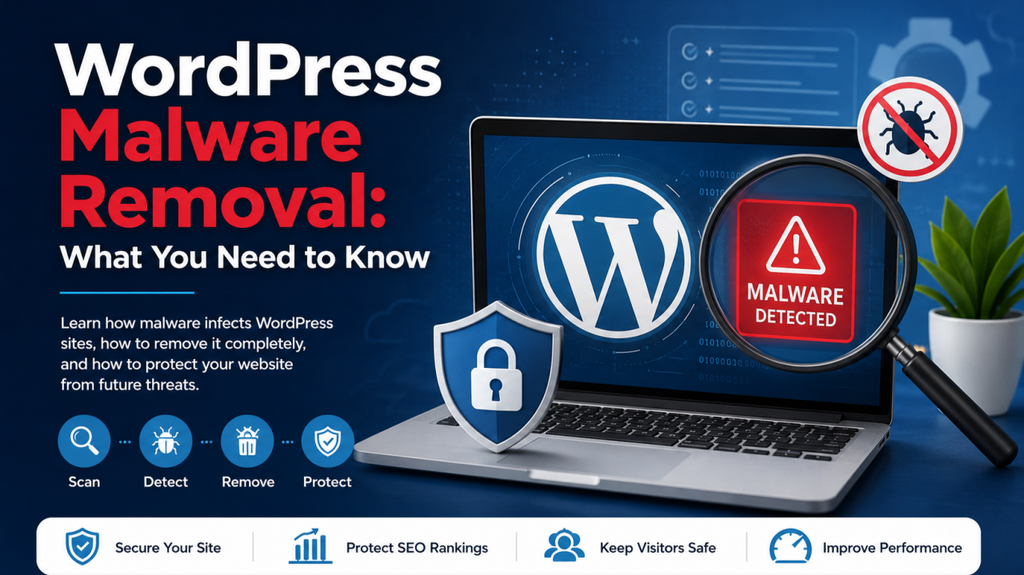
One of the most human-focused tactics in this WordPress Malware Attack was the use of fake CAPTCHA pages.
We’re all trained to trust CAPTCHA screens. They feel normal. They’re everywhere. That familiarity is exactly what attackers exploited.
How the fake CAPTCHA flow works
Instead of asking you to click images or check a box, the page nudges the visitor to do something unusual—often outside the browser’s normal behavior.
In the StopAndProtect campaign, the fake CAPTCHA could:
- Copy a PowerShell command to the victim’s clipboard
- Instruct the user to paste/run it (often framed as “verification”)
- Trigger the malware installation once the command is executed
This is a classic social-engineering move: it’s not about being “more technical.” It’s about being more convincing.
Why it’s effective
Because it turns the victim into the final step of the infection chain. The attacker doesn’t have to exploit your system directly if they can persuade you to run the command yourself.
Simple safety rule: a real CAPTCHA will not ask you to copy, paste, or execute commands on your computer.
Not Just Ransomware—A Multi-Malware Operation
StopAndProtect wasn’t a one-trick attack. It used different malware components depending on the victim, opportunity, or goal.
What Check Point observed in the malware toolkit
Researchers identified components that could:
- Encrypt files and show ransom notes (including a module referred to as SilentEncryptor)
- Spread across USB devices and network shares
- Move across local networks and removable drives
- Lock screens and display ransom messages
- Enable chat-like communication between attackers and victims
- Steal data and inventory files
Data theft features were especially invasive
Newer versions of the data-stealing components reportedly included:
- Keylogging
- Searching WhatsApp contacts
- Mapping network shares
- Capturing screenshots of user activity
In fact, Check Point noted the malware could take screenshots at roughly 30-second intervals while the victim was active—turning an infection into something that feels uncomfortably close to surveillance.
Why this matters
This wasn’t only about encrypting files for ransom. In multiple cases, attackers appeared more interested in stealing information than locking systems. That means even if you have backups and ignore ransom demands, data exposure can still hurt.
Wordfence: How to clean a hacked WordPress site
The Scale: Thousands of Infections and Exposed Victim Logs
As the investigation continued, researchers gained visibility into logs stored on the compromised infrastructure. By late July, Check Point had identified over 6,000 unique IP addresses linked to the campaign, with the largest numbers appearing in:
- The United States
- Russia
- India
To be fair, IP-based counting has limitations (research sandboxes and security scanners can appear in logs). Still, researchers believed many of the IPs likely belonged to real infected machines.

When Attackers Get Sloppy: Exposed Directories and Leaked Screenshots
One of the most unusual parts of this story is that the attackers allegedly exposed some of their own operational data.
Check Point found open directories containing:
- Logs from infected machines
- Large volumes of screenshots (around 31,000 collected in a few months, per the report)
- Hundreds of archives containing stolen files
These archives reportedly included everything from desktop files and password-related data to crypto wallet files, file lists, encryption logs, and screenshots.
Even more interesting: researchers found at least one archive that appeared to contain files belonging to the attackers themselves—potentially suggesting the operators accidentally infected their own system or mixed data improperly.
What WordPress Site Owners Should Do Right Now
If you run a WordPress website, you don’t need to panic—but you do need a plan. The biggest takeaway from this WordPress Malware Attack is that small security gaps (like a stale plugin) can snowball into a full compromise.
Practical steps to reduce your risk
Here’s a straightforward checklist:
- Update everything
- WordPress core
- Plugins
- Themes
- Remove what you don’t use
- Delete unused plugins/themes (don’t just deactivate)
- Strengthen admin access
- Use strong passwords + a password manager
- Enable 2FA for admin accounts
- Limit admin users and review roles
- Add a WAF/CDN
- A Web Application Firewall can block common exploit attempts
- Monitor file changes
- Look for unauthorized edits, new PHP files, strange cron jobs
- Scan for malware regularly
- Use reputable WordPress security tools and server-side scanning
- Backups you can actually restore
- Keep tested backups (not just “set and forget”)
- Have an incident-response plan
- Know who does what if you spot an intrusion
Train your team to spot fake CAPTCHA scams
Because this campaign used social engineering, awareness matters. Tell anyone who manages content or checks site pages:
- Never run commands because a webpage “asked you to”
- Treat copy/paste “verification” steps as a red flag
- Report suspicious popups, redirects, or sudden CAPTCHA pages immediately
Conclusion: A WordPress Site Can Become a Weapon—If You Don’t Maintain It
The StopAndProtect campaign is a clear reminder that a WordPress Malware Attack doesn’t stop at harming one website. Once attackers break in, they can turn a normal site into infrastructure that helps infect others—hosting malware, controlling infected computers, and storing stolen data.
The good news is that most of what enabled this operation is preventable: outdated WordPress versions, vulnerable plugins, weak monitoring, and delayed patching. If you keep your site updated, reduce plugin clutter, lock down admin access, and add basic protections like a WAF and change-detection monitoring, you drastically lower the odds of being pulled into the next large-scale campaign.
On a web that runs on trust, protecting your WordPress site isn’t just about your business—it’s also about keeping your visitors safe.
FAQs
How do I know if my WordPress site has malware?
Common signs include strange redirects, new admin users, unknown plugins/files, Google “deceptive site” warnings, and spikes in server activity or outbound traffic.
How do hackers usually infect WordPress sites?
Most infections happen through outdated WordPress core files, vulnerable plugins/themes, weak passwords, leaked admin credentials, or insecure file upload points.
Can a hacked WordPress site infect visitors?
Yes. Attackers can inject malicious scripts, serve fake pages (like fake CAPTCHA), or silently redirect visitors to malware downloads and phishing flows.
What is a fake CAPTCHA scam?
It’s a social-engineering trick where a page pretends to verify you’re human but pushes you to copy/paste or run a command that installs malware.
What should I do if my WordPress site is hacked?
Take the site offline (or put it in maintenance mode), restore from a clean backup, remove malware, rotate passwords/keys, update everything, and add monitoring + a WAF.