Best AI Tools 2026 sit in a weird spot right now: everyone talks about them, few people pick the right ones, and a lot of smart people quietly feel behind.
Best AI Tools 2026 also make life easier fast—if you choose based on your actual job, not on hype.
In this guide, you’ll get a clean, practical list of the Top AI Tools 2026, plus exactly how to use them without creating more work (or embarrassing mistakes).
Key Highlights ✅
- You get the fastest payoff from a simple stack:
- One AI assistant (for thinking + drafting)
- One meeting notes tool (for decisions + action items)
- One docs/knowledge tool (for repeatable workflows)
- AI adoption already looks mainstream:
- McKinsey reported 65% of organizations used generative AI regularly in 2024. (Source: McKinsey, The State of AI)
- Microsoft reported 75% of knowledge workers used AI at work in 2024. (Source: Microsoft Work Trend Index 2024)
- Developers get measurable speed gains: GitHub found developers completed tasks up to 55% faster with Copilot in a controlled study.
- The biggest risk in 2026: tools that confidently “make stuff up.” You fix that with sources, small edits, and review habits.
Best AI Tools 2026: the “just tell me what to use” list (fast)
You likely want the shortlist first. Here it is—picked for real workflows, not shiny demos.
1) Best AI assistants (general productivity)
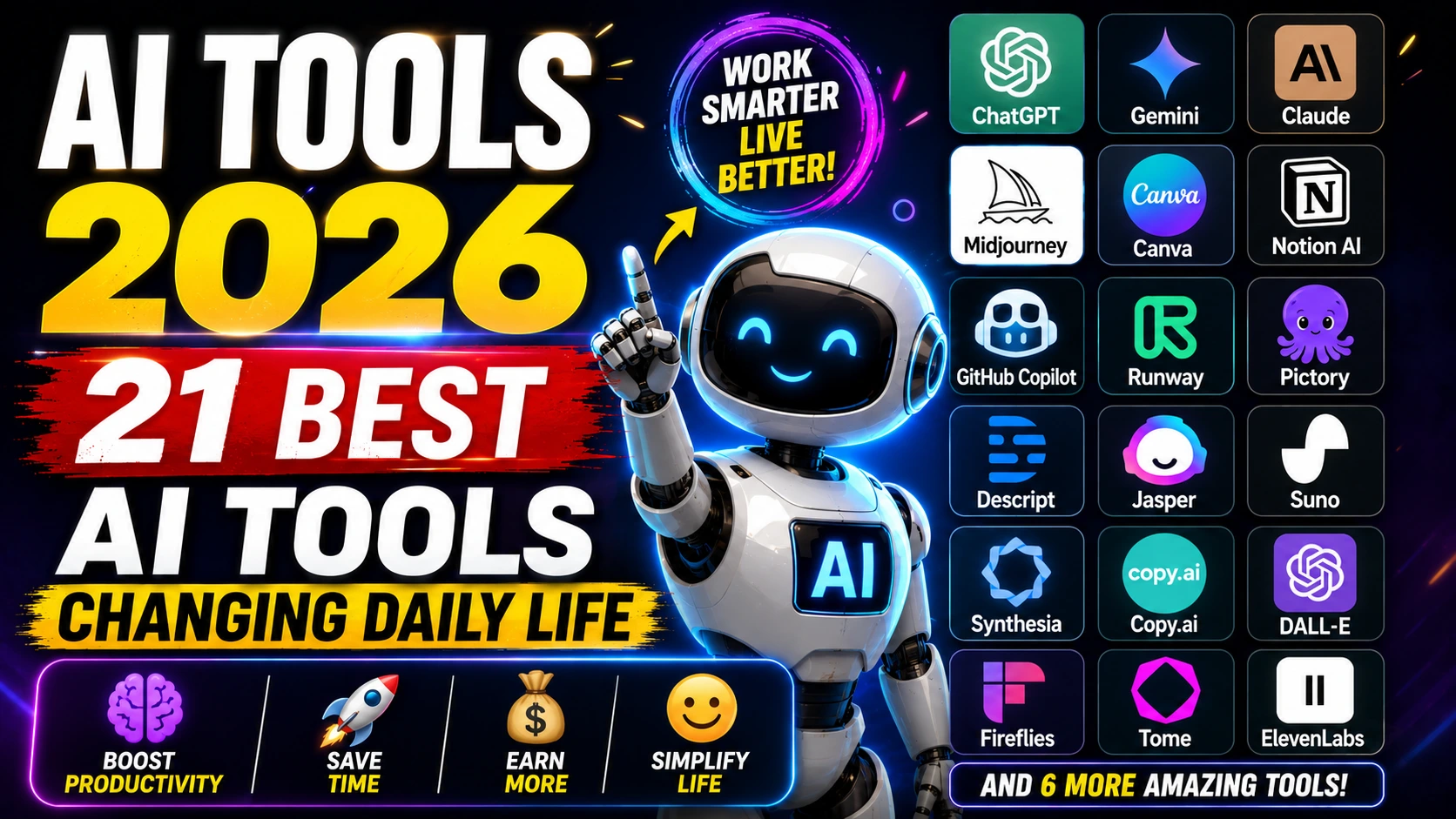
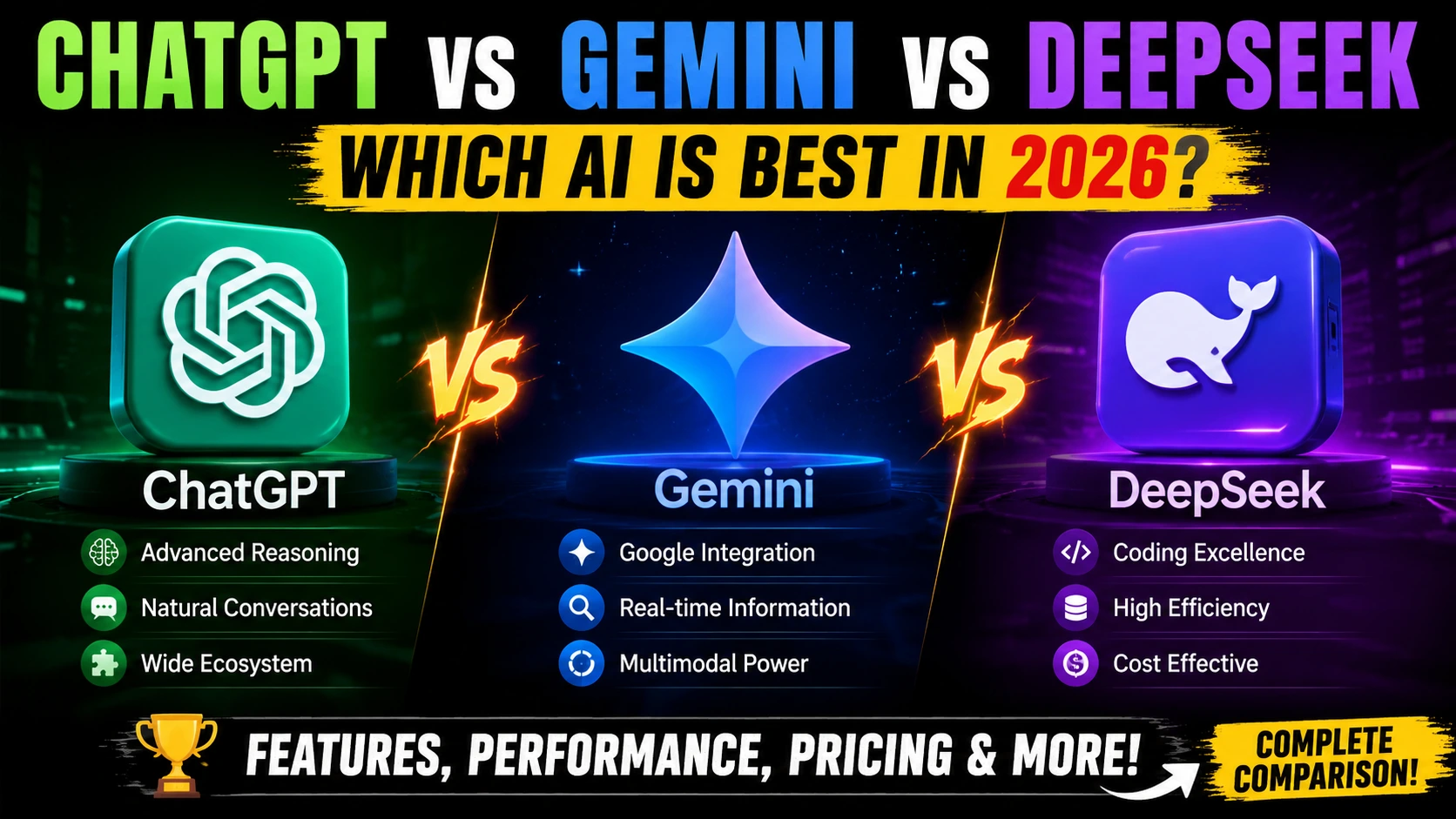
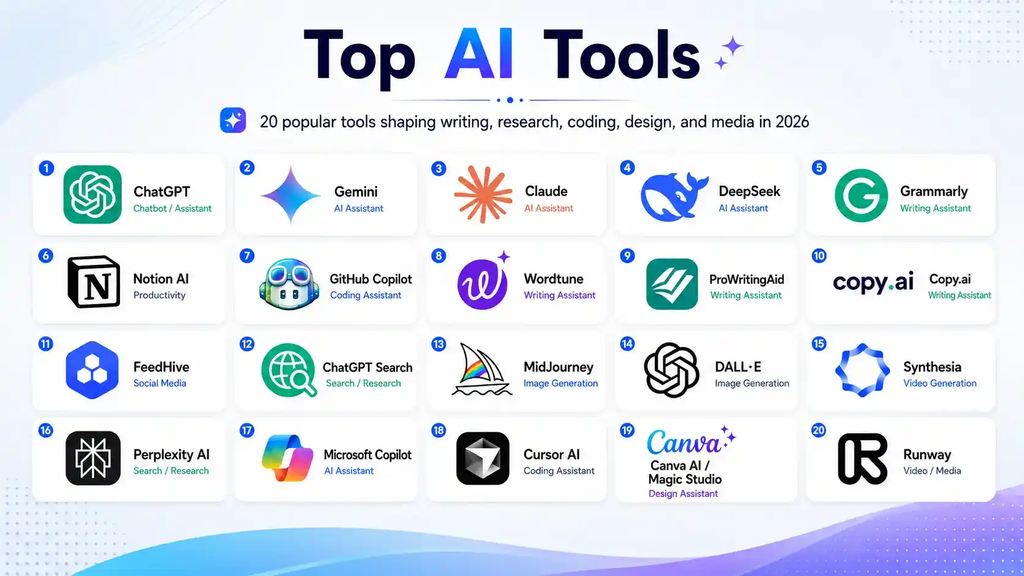
- ChatGPT (OpenAI) — strong all-around: writing, planning, structured output
- Claude (Anthropic) — excellent for long docs, careful tone, thoughtful editing
- Gemini (Google) — great if you live in Google Workspace and want tight integration
Real-world use case: you take a messy brain dump and turn it into a plan, email, checklist, or outline in minutes.
2) Best AI tools for meetings (notes that don’t disappear)
- Otter.ai — reliable transcription + summaries
- Fireflies.ai — searchable meeting library + follow-ups
Real-world use case: you stop hearing “Wait… what did we decide?” every week.
3) Best AI tools for developers (speed without chaos)
- GitHub Copilot — best mainstream coding assistant inside popular IDEs
- Cursor — AI-first editor that makes refactors and edits feel fast
- Codeium — strong alternative coding assistant
- Postman (AI features) — faster API testing and documentation flows
Developer reality: you don’t let AI “own” the architecture. You let it crush boilerplate, draft tests, and speed refactors—then you review like a professional.
4) Best AI tools for writing + docs
- Notion AI — notes → docs → team knowledge
- Microsoft Copilot for Microsoft 365 — Word/Excel/Outlook superpowers
- Grammarly — clarity, tone, and polish that actually helps
Real-world use case: you rewrite a tense email into something calm and firm 😅
5) Best AI tools for research (answers you can verify)
- Perplexity — web-grounded answers with citations
- Elicit — strong for paper-based research workflows
- Semantic Scholar — excellent academic search
Real-world use case: you stop opening 28 tabs just to confirm one claim.
6) Best AI tools for design + creative
- Canva (Magic Studio) — fastest for non-designers (social posts, decks, one-pagers)
- Adobe Firefly — strong in Adobe workflows and brand-friendly creation
- Midjourney — high-style image generation and concept exploration
7) Best AI tools for video + audio
- Descript — edit video/audio like a Google Doc
- Runway — powerful AI video creation and editing toolkit
- ElevenLabs — high-quality AI voice for narration and localization
8) Best AI tools for automation (make your apps work together)
- Zapier — easiest cross-app automation
- Make — more complex visual workflows
- n8n — more control for technical teams (often used self-hosted)
Top AI Tools 2026: how to pick the right tools for your situation
Tool lists feel easy. Picking the right stack feels harder—especially when you already feel behind.
Use this simple filter. It works because it matches how work actually happens.
The 6-question filter (use this before you pay)
- Do you feel this pain weekly?
- Does it save you at least 30–60 minutes a week?
- Can you verify outputs (sources, revision history, exports)?
- Does it fit your workflow (Docs, IDE, Slack, Jira, CRM)?
- Does it respect privacy and team controls? 🔒
- Can you learn it in one evening?
If a tool fails #1 or #4, you drop it. No guilt. You protect your time.
Best AI Tools 2026 by persona (career-friendly stacks that make sense)
If you’re job hunting in 2026 😬
You want confidence, speed, and proof—not “AI vibes.”
Stack that helps you get interviews:
- Claude or ChatGPT: tailor resume bullets + cover letters + interview practice
- Grammarly: remove awkward phrasing and tense tone
- Canva: turn projects into clean case studies
What this looks like in real life:
- You paste the job description.
- You paste your current bullet points.
- You ask for rewrites in this format: Action + Impact + Metric + Tools.
- You confirm every claim so you never oversell.
If you run projects or operations (and meetings eat your day)
Stack that stops the “where did that decision go?” problem:
- Otter or Fireflies: capture decisions + action items
- Notion AI: store SOPs, meeting notes, project docs
- Zapier: automate intake → tasks → alerts
Best practice (why it works):
- You standardize meeting summaries into:
- Decisions
- Action items (owner + deadline)
- Risks / blockers
People stop “remembering differently.”
If you’re a developer (and you want speed without tech debt)
Stack that actually holds up in production:
- GitHub Copilot for autocomplete and fast drafting
- Cursor for quick refactors and multi-file edits
- Postman for API tests, collections, and documentation
Developer best practices that prevent disasters:
- Ask for small diffs, not full rewrites.
- Force it to list assumptions before it changes code.
- Request tests (or at least test cases) before you merge.
- Run linters and CI locally.
If you work in marketing/content (and you need output fast)
Stack that helps you publish without sounding generic:
- Perplexity for research with citations
- Notion AI for briefs, calendars, repurposing plans
- Canva for quick creative variations
- Descript for turning long videos into short clips
Relatable example:
Someone records one webinar. You turn it into:
- 1 blog post
- 1 email sequence
- 10 short clips
- 12 social posts
You do it in a day because you reuse templates and keep the voice consistent.
Best AI Tools 2026: best practices that keep you accurate (and employable)
You don’t need “prompt engineering.” You need habits.
1) Use a two-pass workflow (simple, brutal, effective)
- Pass 1: generate options fast (outline, draft, variations)
- Pass 2: edit and verify (facts, tone, structure)
This works because you separate creativity from correctness. Your brain relaxes in pass 1 and gets sharp in pass 2.
2) Force citations for anything factual
Any time you ask about:
- statistics
- laws
- salary ranges
- market size
- medical/financial topics
…require:
- source links
- publication names
- dates
If it can’t cite, you don’t trust it. Period.
3) Build a mini “prompt library” you reuse weekly
Save 10–20 prompts that map to real tasks:
- meeting summary format
- status update template
- resume bullet rewrite
- code review checklist
- customer support reply style guide
This works because you stop reinventing the wheel when you feel tired.
4) Set privacy boundaries (this part matters 🔒)
If you handle:
- customer contracts
- personal data
- proprietary code
- financial info
…use enterprise features where available, follow company policy, and avoid pasting sensitive data into random tools. People lose trust fast when data leaks.

Best AI Tools 2026: a “starter stack” that covers 80% of work
If you want a safe default setup:
- One AI assistant: ChatGPT or Claude or Gemini
- One meeting tool: Otter or Fireflies
- One docs hub: Notion AI or Microsoft Copilot
- One automation tool (optional): Zapier or Make
- One creative tool (optional): Canva or Adobe Firefly
You get leverage without subscription overload.
FAQ: Best AI Tools 2026
Which AI tool should you learn first in 2026?
Start with one general assistant (ChatGPT, Claude, or Gemini). You’ll use it daily. Then add a meeting tool if you sit in frequent calls.
Do paid AI tools actually pay off?
They pay off when you use them weekly and measure time saved. Track two weeks:
If you save 2–3 hours, you justify most subscriptions easily.
If you save 20 minutes, you probably don’t need it.
How do you stop AI from sounding bland?
You fix inputs:
give 2 examples of your tone
define your audience
request 3 style options (direct, friendly, formal)
keep the best and rewrite the last 10% yourself
What are the Top AI Tools 2026 for developers specifically?
GitHub Copilot (speed)
Cursor (fast edits/refactors)
Postman (APIs and testing)
Then they add security and testing tools based on the stack.
Can AI tools replace your job in 2026?
AI replaces tasks faster than it replaces entire roles. People who pair domain skills with good AI habits usually move up, because they ship more work with fewer errors.
Conclusion
Best AI tools don’t magically change your life. They remove friction—one annoying task at a time—until your week feels lighter. If you pick a small stack, verify facts, and keep your workflows repeatable, you’ll get the upside without the stress.
If you tell me what you do (student, job seeker, developer, marketer, PM) and what tools you already use (Google Workspace, Microsoft 365, Slack, Jira), I’ll help you choose a tight Best AI Tools 2026 stack that fits your budget and doesn’t overwhelm you.