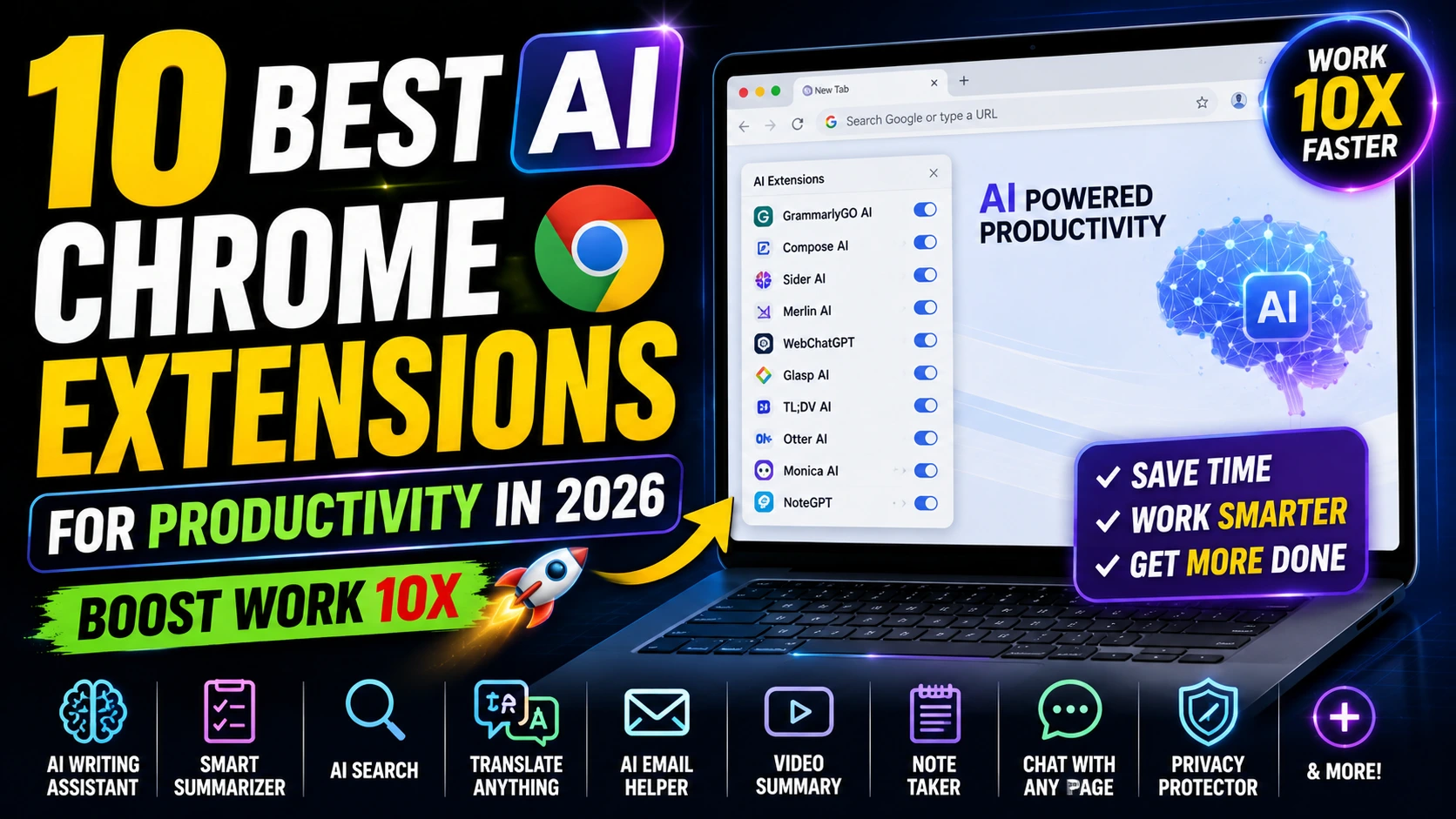
AI Chrome extensions have changed the way students and professionals do their tasks in 2026. Whether you are writing essays doing research, managing meetings or automating work these tools fit perfectly into your browser to make you more efficient, accurate and focused. The AI Chrome extensions are really helpful for students and professionals.
This list shows you the 10 AI Chrome extensions for productivity. We chose these extensions based on how people use them in life what users think of them how useful the free version is and how well they work for both students and professionals.
- Best Free AI Tools for Students 2026 (Top 15 Picks to Study Smarter, Not Harder)
- ChatGPT vs Gemini vs DeepSeek: Which AI Is Best in 2026?
Quick Comparison Table
| Rank | Extension | Best For | Key AI Features | Pricing (Free Tier) | Ideal Users |
|---|---|---|---|---|---|
| 1 | Grammarly | Writing & Editing | Grammar, tone AI rewrites | Free (Premium from ~$12/mo) | Students, Professionals |
| 2 | Perplexity AI | Research & Answers | Cited AI search, summaries | Free (Pro available) | Students, Researchers |
| 3 | Scribe | Process Documentation | Auto step-by-step guides | Free (paid upgrades) | Teams, Professionals |
| 4 | Glasp | Reading & Note-Taking | Highlights, PDF/YouTube summaries | Free (limits on AI) | Students, Knowledge Workers |
| 5 | Sider / Merlin | All-in-One Copilot | Sidebar AI on any site | Free tier available | Everyone |
| 6 | Compose AI | Email & Writing Speed | Autocomplete with // trigger | Free (paid plans) | Professionals |
| 7 | Wordtune | Rewriting & Clarity | Rephrase expand, shorten | Free (Premium available) | Students, Writers |
| 8 | Thunderbit | Data Extraction | No-code web scraping & export | Free tier | Researchers, Work |
| 9 | Scholarcy | Academic Papers | Summaries, flashcards, references | Free tier | Students |
| 10 | Tactiq | Meetings & Transcripts | AI notes, insights, summaries | Free (10 transcripts/mo) | Professionals |
Detailed Reviews of the Top 10
1. Grammarly
Grammarly is the tool for AI writing help. It checks your grammar, tone and clarity. Gives you real-time suggestions. You can use it with Gmail, Google Docs and more. Students use Grammarly for essays and professionals use it for emails and reports. Grammarly is really useful for AI writing assistance.
2. Perplexity AI Companion
Perplexity AI is an AI research assistant. It gives you cited answers in your browser. It is perfect for fact-checking, homework or quick professional insights. You do not have to switch tabs. Perplexity AI Companion is really helpful for research.

3. Scribe
Scribe records your screen actions. Makes shareable step-by-step guides with screenshots. It is ideal for creating training materials or onboarding documents. Scribe is really useful for process documentation.

4. Glasp
Glasp lets you highlight text on any webpage or PDF make AI summaries and build a personal knowledge base. It is excellent for students taking notes or professionals curating research. Glasp is really helpful for reading and note-taking.

5. Sider (or Merlin AI)
Sider puts an AI sidebar into almost any site for instant summaries, replies or analysis. It supports models and feels like having ChatGPT everywhere. Sider is really useful for a in-one copilot.
6. Compose AI
Compose AI speeds up your writing with autocomplete. It learns your style. Works great in emails and documents. Compose AI is really helpful for email and writing speed.
7. Wordtune
Wordtune is an AI- rewriting tool. It improves clarity, tone and length. It is great for -native speakers or anyone refining academic or professional content. Wordtune is really useful for rewriting and clarity.
8. Thunderbit
Thunderbit is a no-code AI for scraping data from websites and exporting it cleanly. It saves hours for market research lead generation or data collection. Thunderbit is really helpful for data extraction.
9. Scholarcy
Scholarcy summarizes papers extracts key points, references and even creates flashcards. It is a must-have for students and researchers. Scholarcy is really useful for papers.
10. Tactiq
Tactiq is AI-powered meeting notes and transcripts for Google Meet, Zoom etc. It generates summaries and action items automatically. Tactiq is really helpful for meetings and transcripts.
How These Help Students vs. Professionals
For Students:
Students should focus on research with Perplexity AI and Scholarcy writing with Grammarly and Wordtune and note-taking with Glasp. Many of these extensions offer student discounts or generous free tiers. The AI Chrome extensions are really helpful for students.
For Work/Professionals:
Professionals should emphasize automation with Scribe and Thunderbit communication with Compose AI and Grammarly and meetings with Tactiq. These extensions integrate with tools like Gmail, Slack and Notion. The AI Chrome extensions are really useful for professionals.
Tips for Maximum Productivity
- You should only install 3–5 extensions at a time to avoid slowing down your browser.
- You should check the Chrome Web Store ratings and permissions before installing any extension.
- You can combine tools like Glasp and Grammarly for a workflow.
- You should review the privacy settings for AI that processes your data.
FAQ
What are the free AI Chrome extensions in 2026?
The free AI Chrome extensions in 2026 are Grammarly, Glasp, Perplexity AI, Compose AI and Thunderbit. They offer free plans that are suitable for most users.
Are these extensions safe to use?
Yes they are safe to use when you download them from the Chrome Web Store. You should always review the permissions. Read recent reviews.
Do any of these extensions work offline?
Most of these extensions require an internet connection for their AI features. However some basic functions may work offline.
Can students get discounts?
Many of these extensions like Grammarly offer verified student discounts or enhanced free tiers.
How do I install these extensions?
You can install these extensions by visiting the Chrome Web Store searching for the extension name and clicking “Add to Chrome.