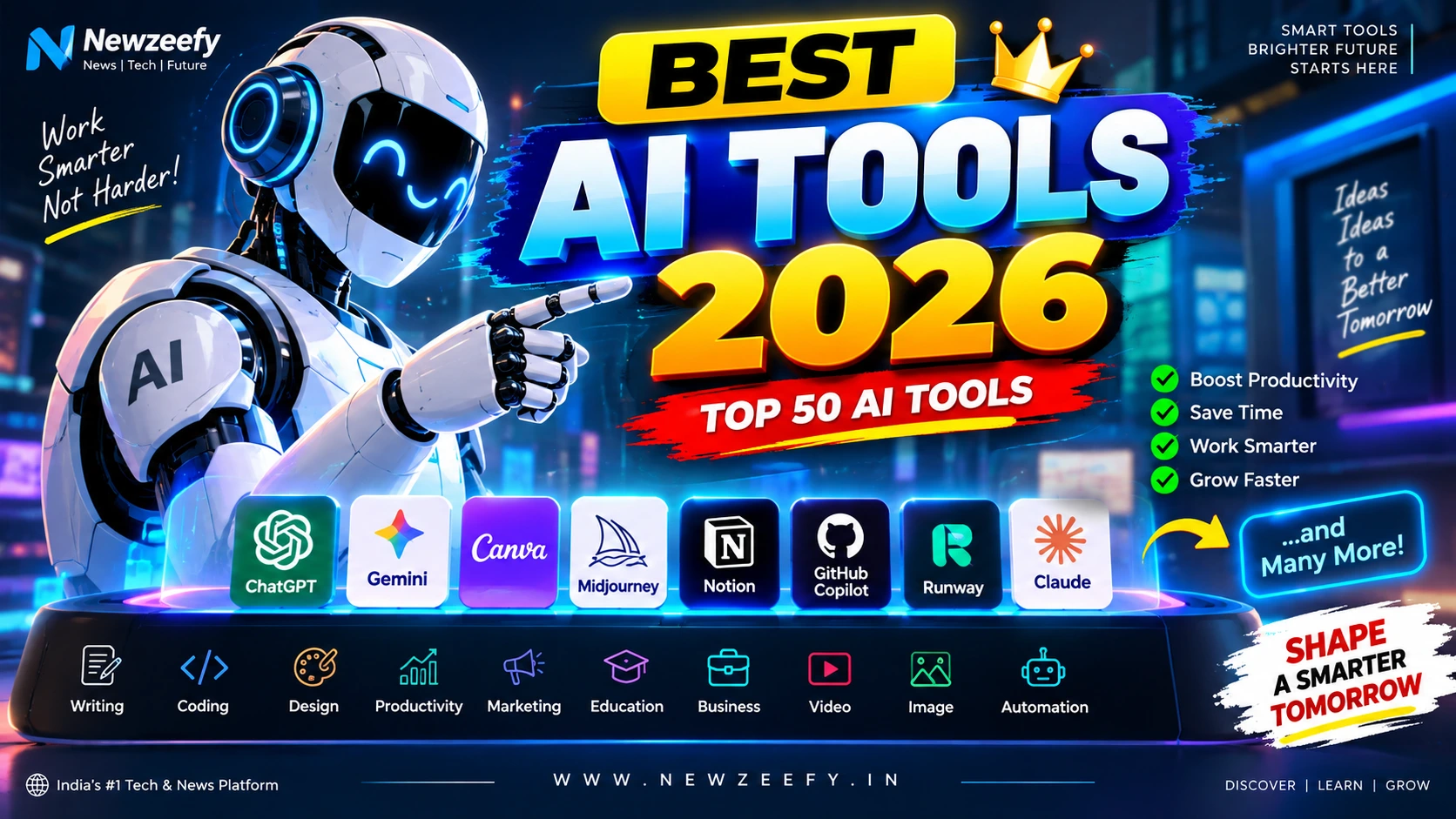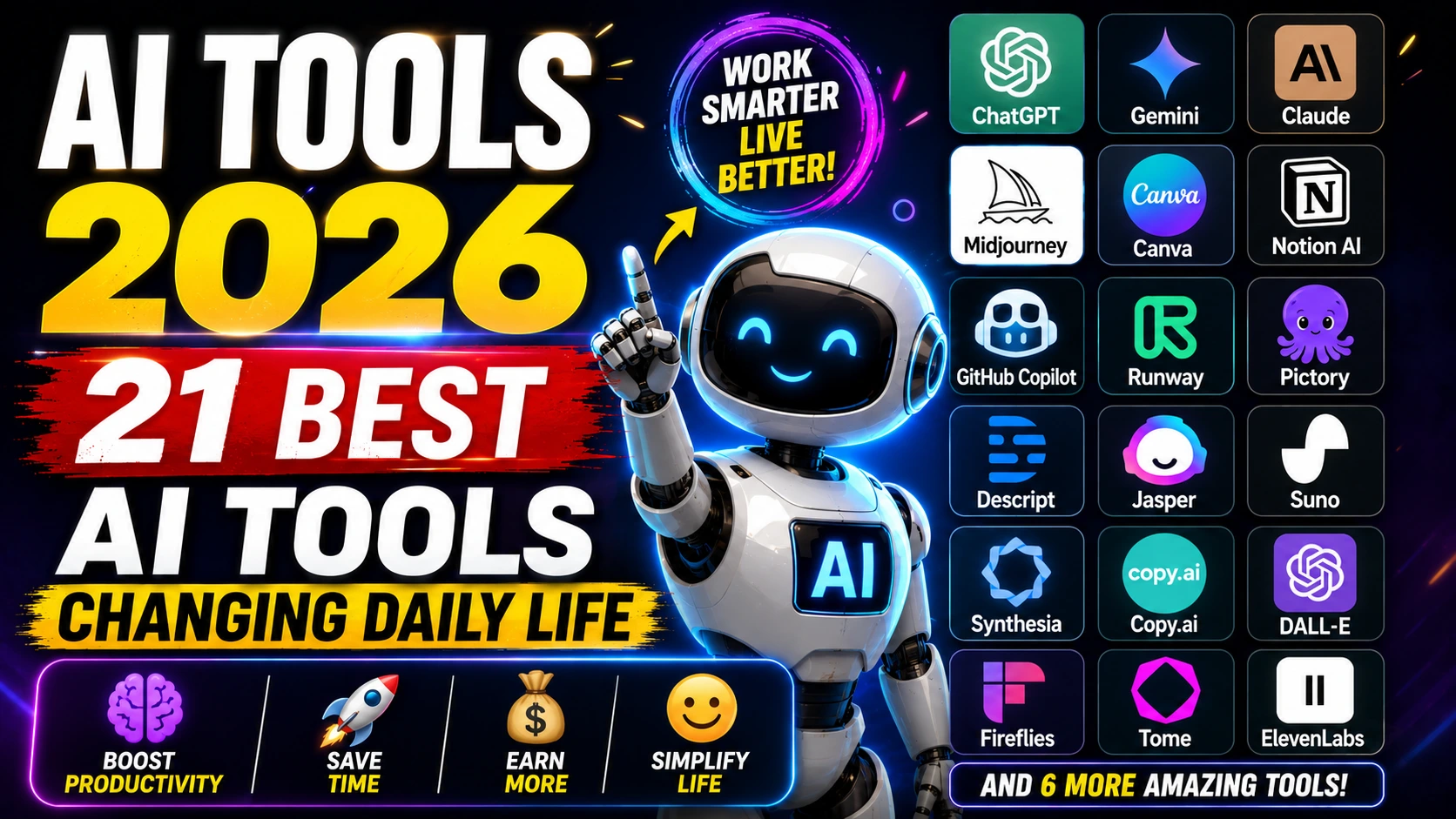
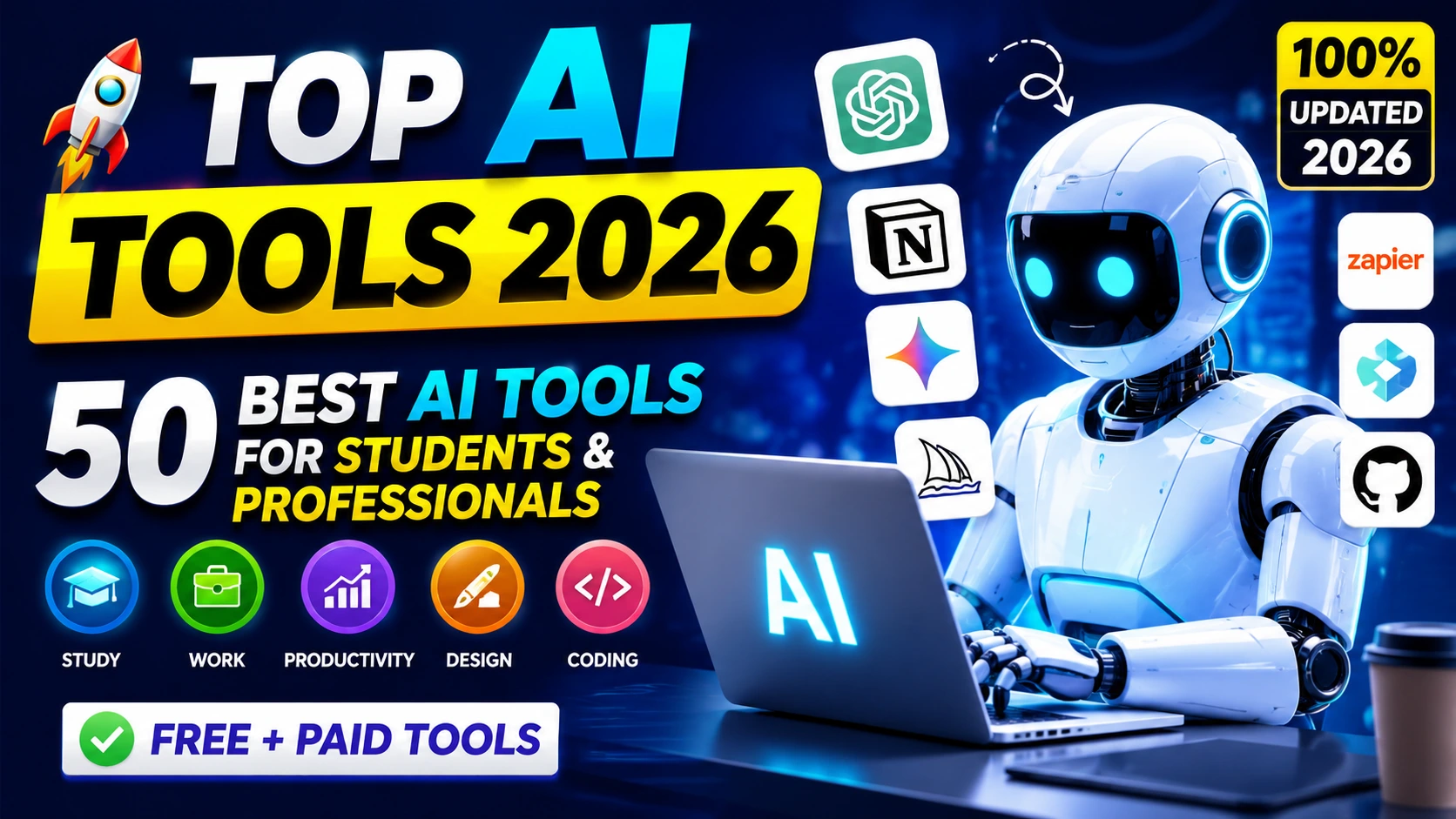
Top AI Tools 2026 are no longer optional. They shape how you study, apply for jobs, build projects, manage teams, and grow income.
Top AI Tools 2026 are practical, affordable, and deeply integrated into daily workflows.
If you’re searching for the best tools right now, here’s the straight answer:
- Yes, AI saves time.
- Yes, employers expect you to use it.
- And yes, students who use AI smartly consistently perform better.
This guide covers the Best AI Tools for Students, the Best AI Tools for Professionals, powerful Free AI Tools, and essential AI Productivity Tools — all updated for 2026.
No fluff. Just clarity.
🚀 Key Highlights
- ✅ 50 carefully selected Artificial Intelligence Tools
- ✅ Free + paid options included
- ✅ Categorized for students and professionals
- ✅ Real-world use cases
- ✅ Backed by current industry data
- ✅ Includes powerful ChatGPT alternatives
Why AI Tools Matter in 2026
According to the World Economic Forum’s Future of Jobs Report 2023, nearly 44% of workers’ skills will change by 2027 due to AI and automation.
Source: weforum
Microsoft’s 2024 Work Trend Index found that 75% of knowledge workers already use AI at work.
Source: microsoft
So the question isn’t whether to use AI.
It’s whether you’ll use it better than others.
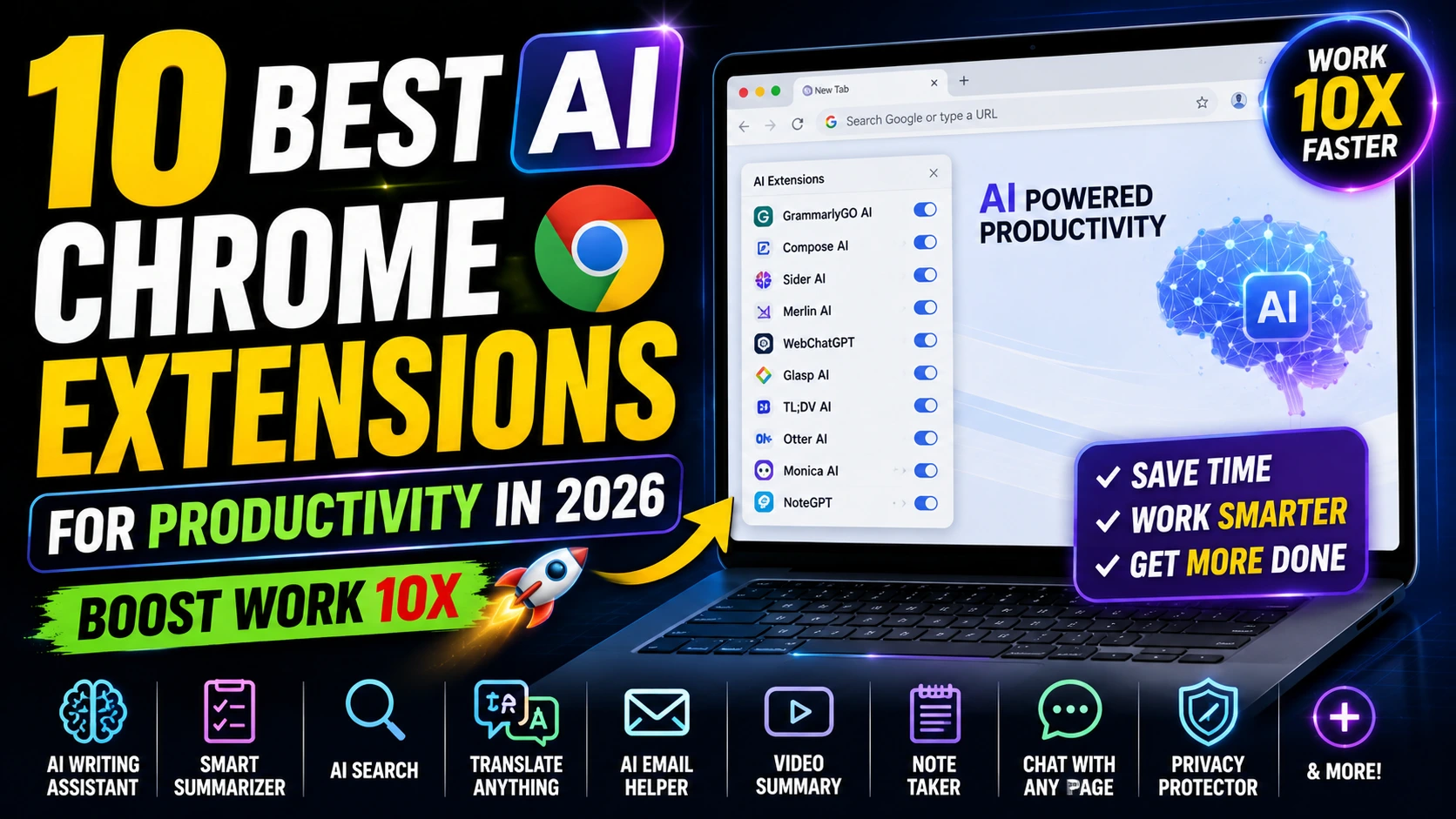
10 Best AI Chrome Extensions for Productivity in 2026
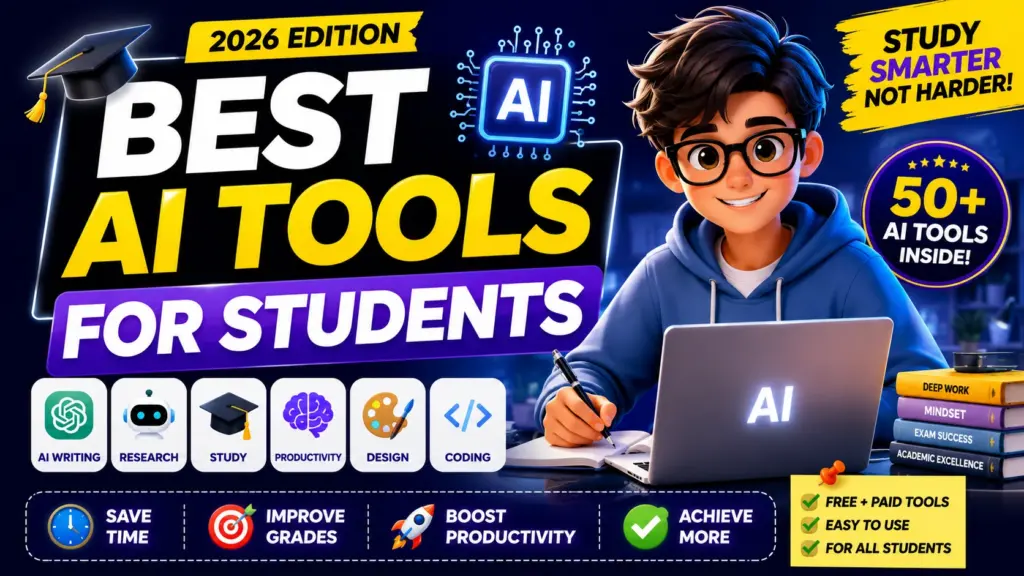
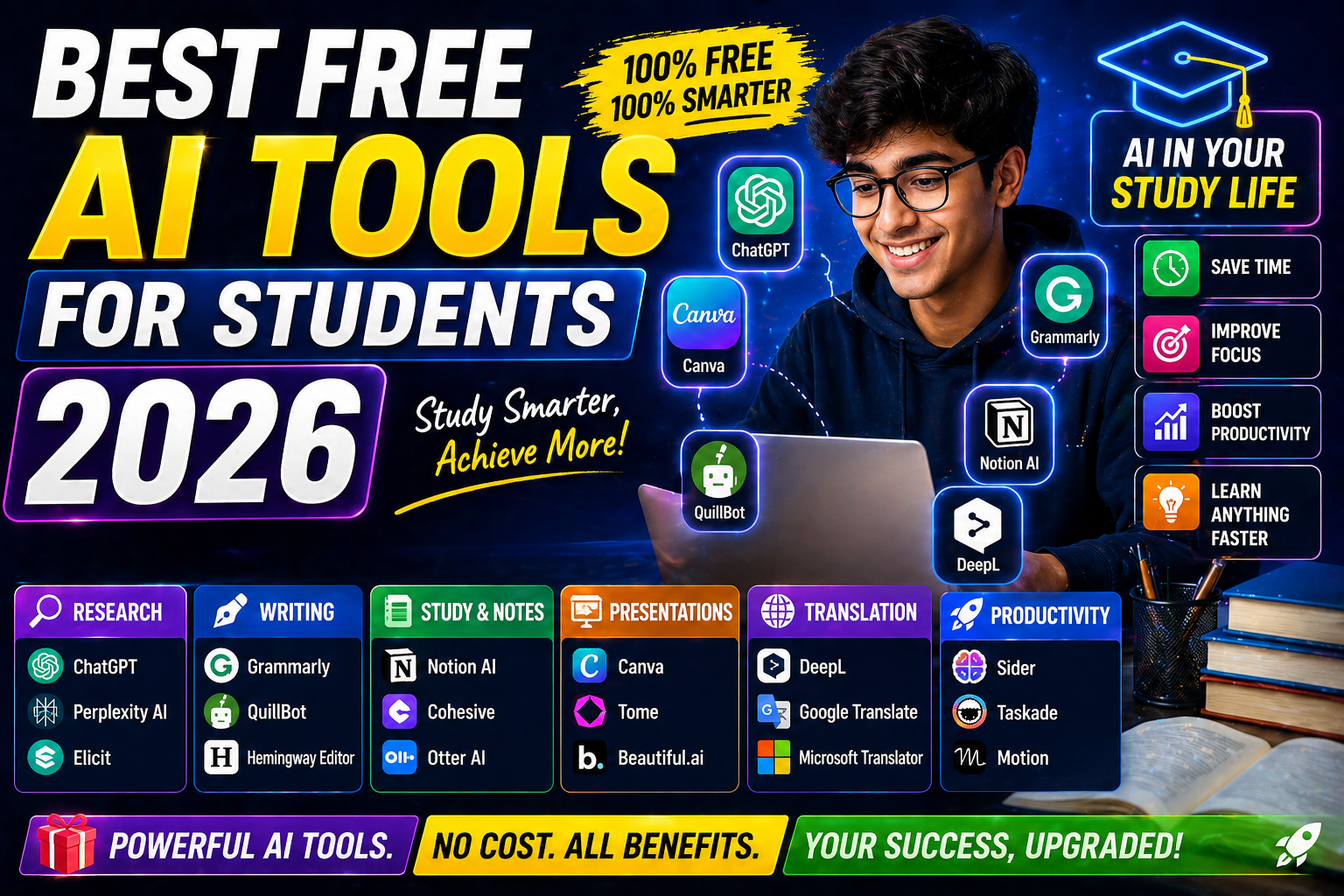
🎓 Best AI Tools for Students (2026 Edition)
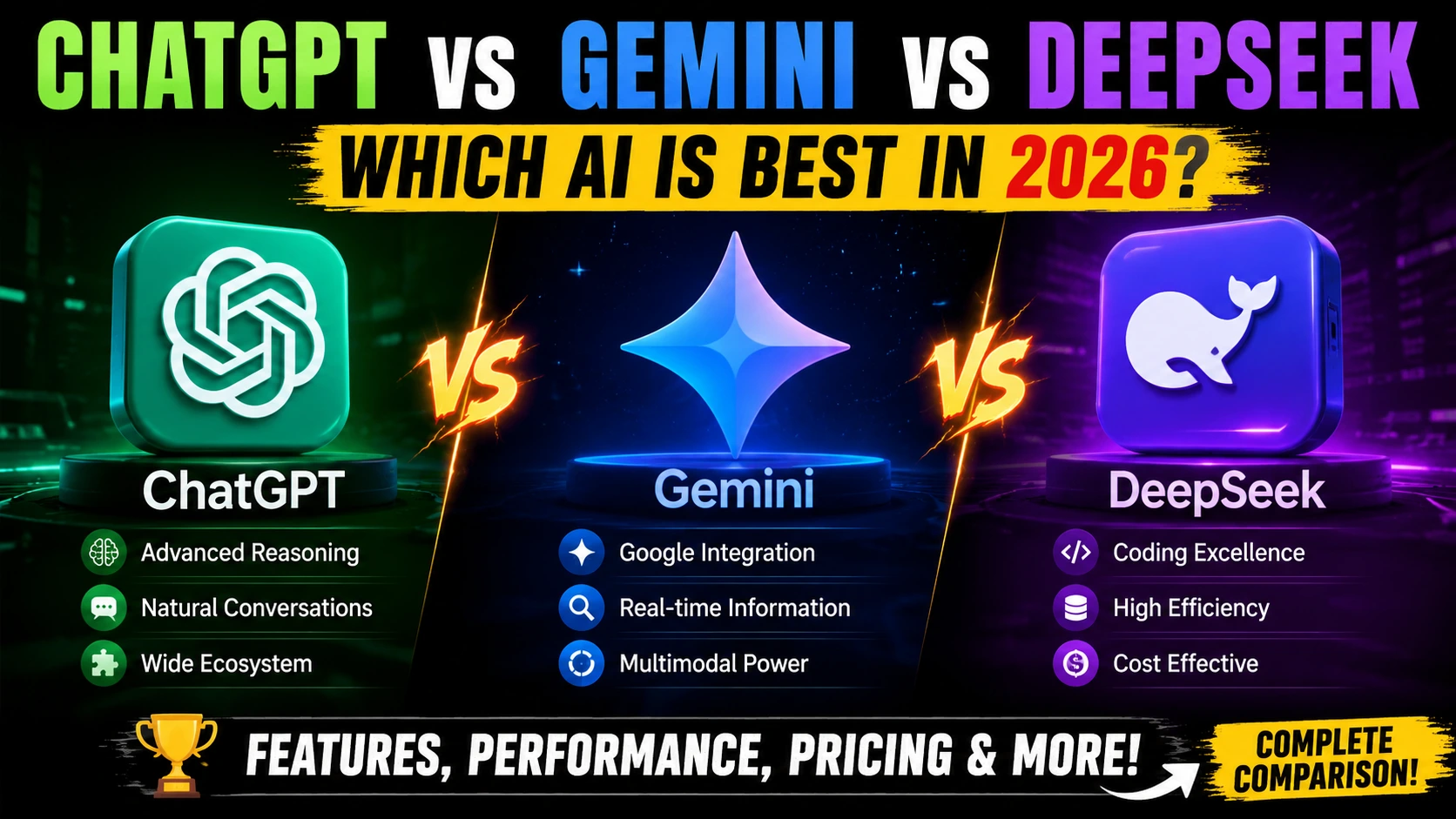
Students feel pressure — assignments, internships, competitive exams. The right AI Tools for Learning reduce stress and improve output. ChatGPT vs Gemini vs DeepSeek: Which AI Is Best in 2026?
1. ChatGPT
Website: chatgpt
- Research summaries
- Coding help
- Essay structure
- Mock interviews
✅ Best practice: Ask it to explain concepts step-by-step instead of giving direct answers.
2. Perplexity AI (Research + Citations)
Website: perplexity.ai
- Provides web citations
- Real-time data
- Clean research experience
Perfect for academic writing.
3. Notion AI
Website: notion.so
- Smart note summaries
- Study planner generation
- Task organization
Students managing multiple subjects benefit heavily.
4. Grammarly AI
Website: grammarly.com
- Clarity improvements
- Tone suggestions
- Grammar corrections
Especially useful for scholarship essays and SOPs.
5. Khanmigo (Khan Academy AI)
Website: khanacademy
- Guided problem solving
- Encourages thinking, not copying
6. Quizlet AI
- Auto flashcard generation
- Smart quizzes
7. Wolfram Alpha
- Math solutions
- Data analysis
- Engineering problems
8. Otter.ai
- Lecture transcription
- Meeting summaries
9. Canva AI
- Presentation design
- Infographics
- Resume design
10. Duolingo Max (AI-powered)
- Language learning with AI explanations
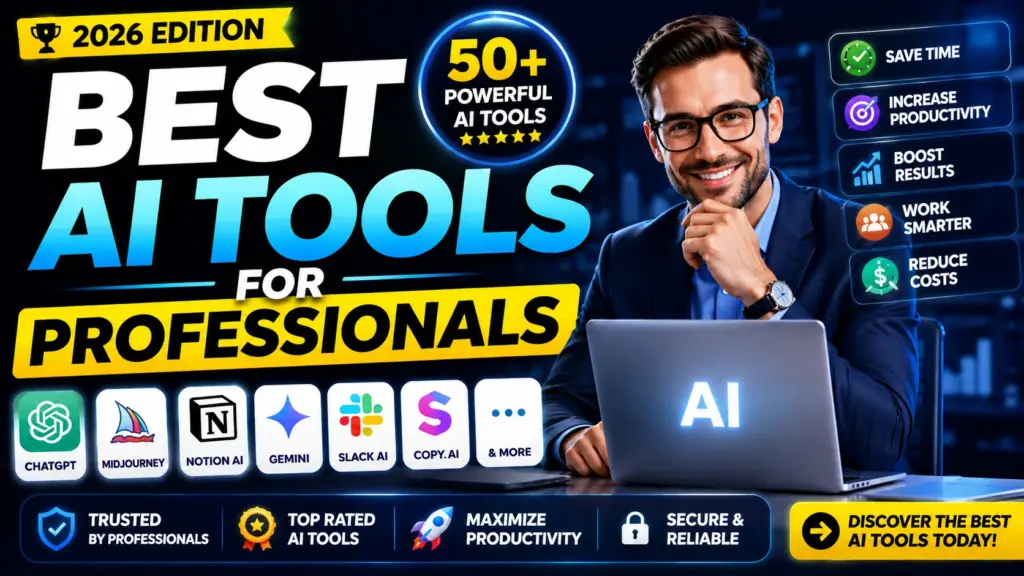
💼 Best AI Tools for Professionals (Work & Business)
Modern AI Tools for Work help professionals move faster and make smarter decisions.
11. Microsoft Copilot
Website: copilot.microsoft
- Excel insights
- PowerPoint generation
- Email drafting
Integrated directly into Office tools.
12. Google Gemini
Website: gemini
- Gmail summaries
- Google Docs drafting
- Data insights in Sheets
13. Claude (Anthropic)
Website: anthropic
- Long document analysis
- Policy writing
- Contract review
14. Slack AI
- Channel summaries
- Task extraction
15. Zoom AI Companion
- Meeting summaries
- Action point generation
16. ClickUp AI
- Project breakdown
- Task planning
17. Trello AI
- Workflow automation
18. Jasper AI
- Marketing copy
- Blog writing
19. Copy.ai
- Ad copy
- Sales emails
20. Grammarly Business
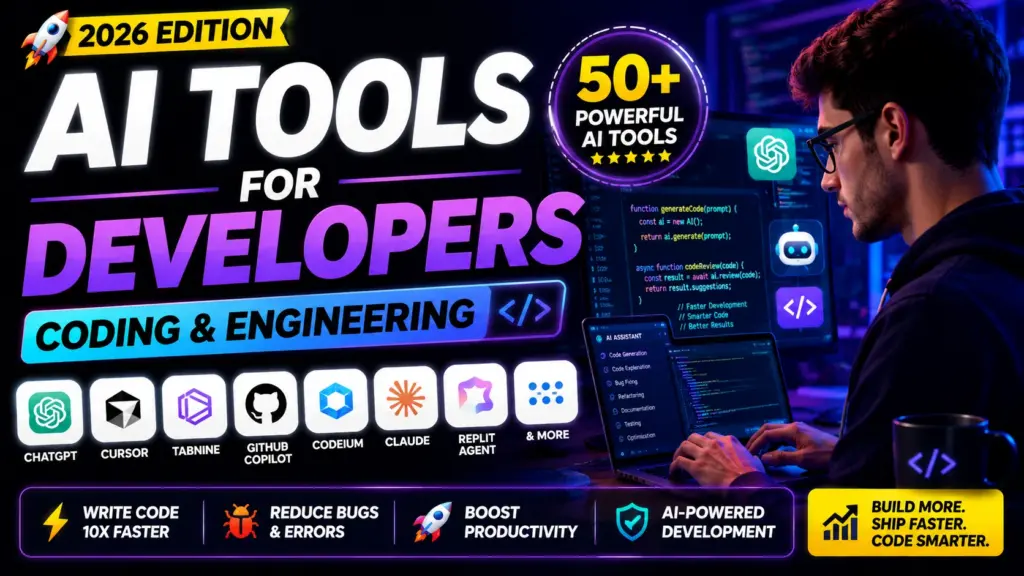
💻 AI Tools for Developers (Coding & Engineering)
AI coding tools save hundreds of hours yearly.
21. GitHub Copilot
Website: github
Used by over 1.3 million paid subscribers (GitHub, 2024 data).
- Code suggestions
- Unit test generation
22. Cursor AI
- AI-native code editor
23. Replit Ghostwriter
24. Tabnine
25. Codeium (Free AI Tool)
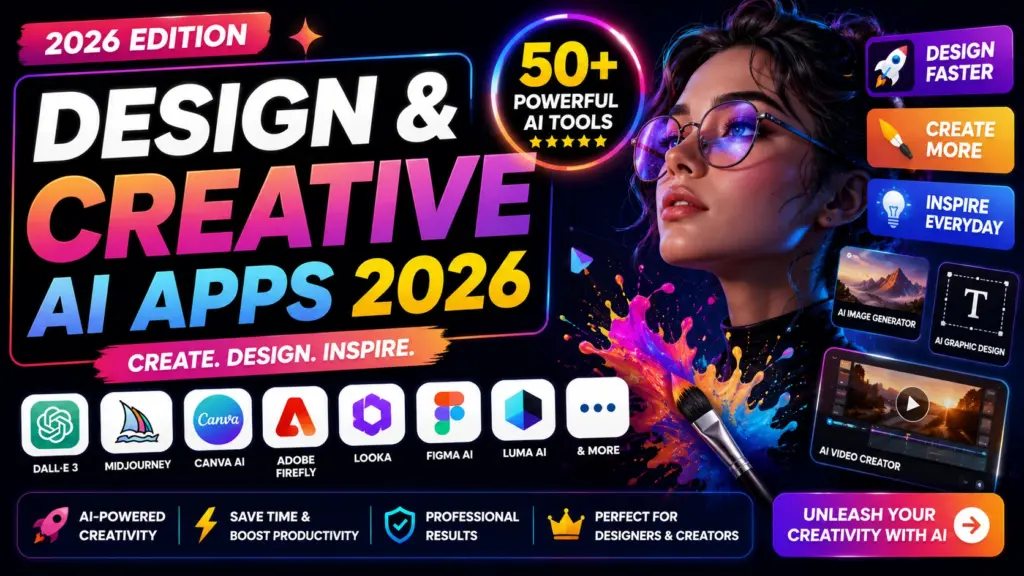
🎨 Design & Creative AI Apps 2026
26. Midjourney
- Artistic image generation
27. Adobe Firefly
Website: adobe
- Commercial-safe AI art
28. Runway ML
- AI video editing
29. Descript
- Edit video via text
30. ElevenLabs
- AI voice generation
31. Synthesia
- AI avatar videos
32. Pictory
33. Canva Magic Studio
📊 AI Productivity Tools (Automation & Efficiency)
34. Zapier AI
- Workflow automation
35. Make (Integromat)
36. Notion AI Workspace
37. Motion AI
- Smart calendar planning
38. RescueTime AI
📈 Business & Data AI Software 2026
39. Tableau AI
40. Power BI Copilot
41. HubSpot AI
42. Salesforce Einstein
43. Surfer SEO (AI SEO tool)
44. Ahrefs AI features
🆓 Free AI Tools Worth Trying
If budget worries you, start here:
45. ChatGPT Free Version
46. Codeium
47. Canva Free AI Tools
48. Perplexity Free Plan
49. Google Gemini Free Tier
50. Poe (Multiple model access)
Free versions give enough power to learn and build skills.
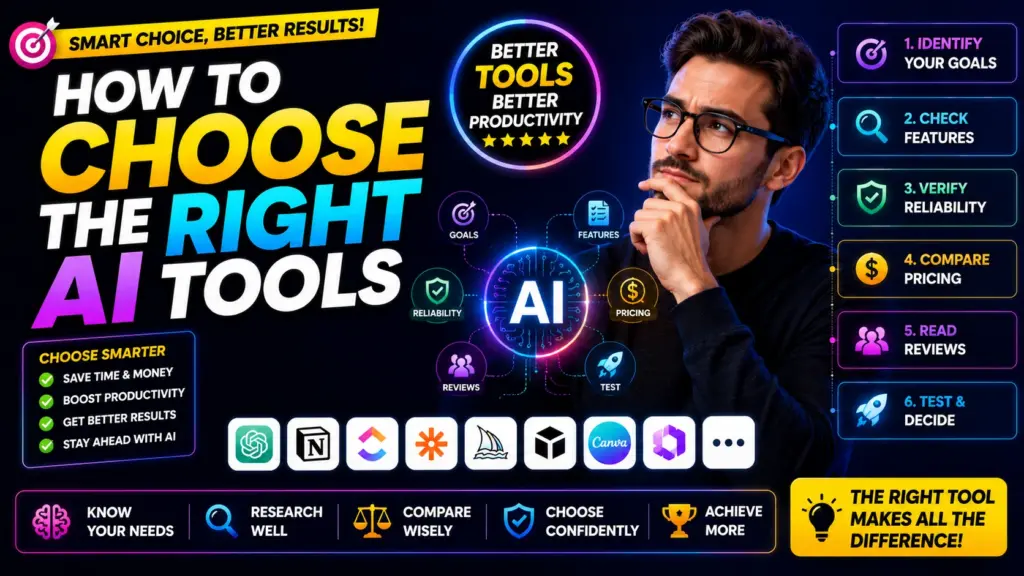
How to Choose the Right AI Tools
Don’t install all 50.
Ask yourself:
- Are you studying?
- Are you job hunting?
- Are you building a startup?
- Are you freelancing?
Students should start with:
- ChatGPT
- Perplexity
- Notion AI
- Grammarly
Professionals should focus on:
- Microsoft Copilot
- Gemini
- Slack AI
- GitHub Copilot
Creators should use:
- Canva AI
- Midjourney
- Runway
- ElevenLabs
Best Practices When Using Artificial Intelligence Tools
✅ Use AI for structure, not shortcuts
✅ Verify data before submitting work
✅ Combine tools for better output
✅ Showcase AI-assisted projects on LinkedIn
Recruiters love proof.
The Real Secret Behind Top AI Tools 2026
Here’s what most people get wrong:
They collect tools.
They don’t build skills.
The edge doesn’t belong to someone who uses 50 apps.
It belongs to someone who masters 5.
Best AI Tools for Students help you understand concepts faster.
Best AI Tools for Professionals help you execute faster.
Speed + clarity = advantage.
Final Thoughts
I’ll leave you with this.
AI feels overwhelming. New apps launch every week. Everyone claims theirs is the best.
But you don’t need everything.
You need alignment.
Choose tools that match your goals. Practice daily. Build visible projects. Stay curious.
Top AI Tools 2026 reward action-takers, not passive observers.
FAQs – Top AI Tools 2026 (Students & Professionals)
What are the Top AI Tools 2026 right now?
ChatGPT (writing, coding, research)
Microsoft Copilot (Office productivity)
Google Gemini (Google Workspace integration)
Claude (long-form reasoning & documents)
GitHub Copilot (AI coding assistant)
Perplexity AI (research with citations)
Canva AI (design & presentations)
Midjourney (image generation)
Which are the Best AI Tools for Students in 2026?
✅ ChatGPT – concept explanations & exam prep
✅ Perplexity AI – research with sources
✅ Notion AI – note organization
✅ Grammarly – academic writing improvement
✅ Khanmigo – guided learning
Are AI tools allowed in schools and colleges?
It depends on the institution.
Many universities allow AI for:
Brainstorming
Research assistance
Editing and clarity
But they often prohibit:
Submitting AI-generated content without modification
Using AI during exams
Always check your academic integrity policy.
Are there good Free AI Tools in 2026?
ChatGPT (free version)
Perplexity free plan
Codeium (free coding AI)
Canva free AI features
Google Gemini free tier
Which AI tools do companies expect you to know?
Microsoft Copilot
ChatGPT
Google Gemini
Slack AI
GitHub Copilot (for tech roles)
Can AI tools replace students or professionals?
No.
AI tools increase speed and productivity, but they still require:
Human judgment
Creativity
Ethical decisions
Critical thinking
The professional who knows how to use AI strategically outperforms both:
Someone who ignores AI
Someone who blindly depends on AI
What are the best AI productivity tools for office work?
Top AI Productivity Tools include:
Microsoft Copilot (Excel, Word, PowerPoint)
ClickUp AI (task breakdown)
Notion AI (workflow management)
Zoom AI Companion (meeting summaries)
Zapier AI (automation)
They save hours every week by reducing repetitive tasks.
What are the best ChatGPT alternatives in 2026?
Strong ChatGPT alternatives include:
Claude (better long document analysis)
Google Gemini (strong Google integration)
Perplexity (research-focused answers)
Poe (access multiple models)
Each tool has strengths. Many professionals use more than one.
How do you choose the right AI tool?
Ask yourself:
Do you need help with writing?
Research?
Coding?
Design?
Automation?
Choose tools based on your workflow, not popularity.
Start with 2–3 tools. Master them. Then expand.
Is it safe to use AI tools for sensitive data?
Be careful.
Avoid uploading:
Confidential company documents
Personal identification data
Sensitive financial records
Always review the platform’s privacy policy before sharing data.
Can AI tools help you get a job?
Yes — if used correctly.
You can use AI to:
Improve your resume
Practice interview questions
Analyze job descriptions
Build AI-powered projects
But recruiters value proof. Show how you used AI to solve real problems.
What industries benefit the most from AI Tools in 2026?
AI adoption is strong in:
Software development
Marketing & content creation
Finance & analytics
Education
Healthcare (clinical documentation & research)
Customer service
AI now supports both technical and non-technical careers.
Will learning AI tools future-proof your career?
It won’t make you replaceable-proof.
But it will make you adaptable.
And adaptability is what employers value most in 2026.